What is “Talk to Ed”?
Last updated: October 15, 2026
Ed is the AI assistant in Ed.ai, built to support you in your day-to-day teaching. You’ll find Ed in the left menu, under “Talk to Ed!”.
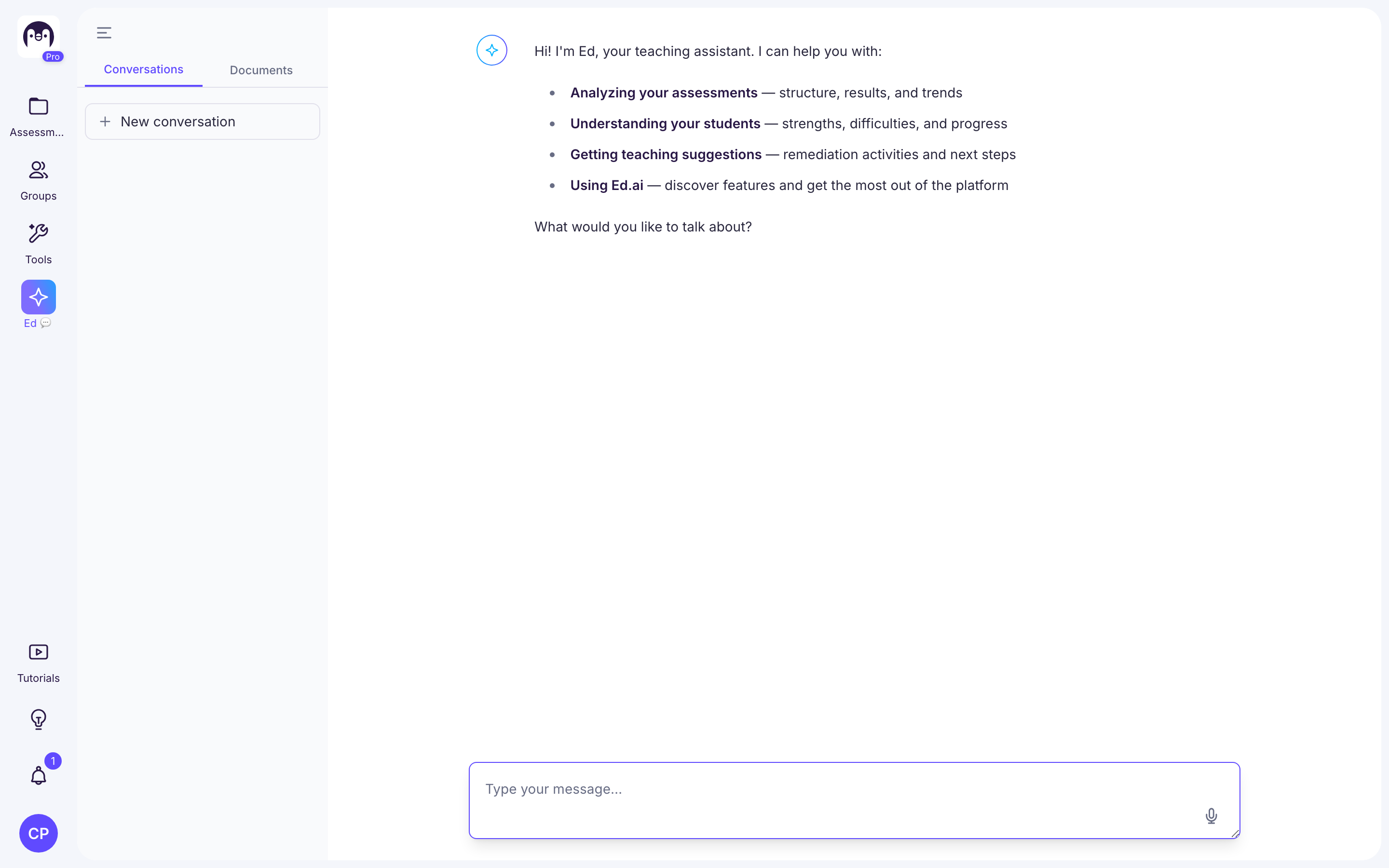
Ed looks at your groups, your assessments and your students’ results (based on the digital twin of each paper) to help you:
-
analyze your assessments: structure, results and trends;
-
understand your students: strengths, difficulties and progress;
-
get teaching suggestions: reteaching activities, student groupings, next steps;
-
create documents (exercises, worksheets, activities), which you’ll find in the “Documents” tab of the conversation panel;
-
use Ed.ai: discover the features and get the most out of the platform;
-
report a bug to our team.
🎯 The idea: an assistant that serves your decisions, saving you time without ever deciding for you.
Where can I find Ed?
-
In the left menu: “Talk to Ed!”.
-
In an assessment, on the “Insights” tab: the “Explore with Ed” button, to ask questions about that assessment’s results.
-
On a paper: the Ed button (“Talk to Ed”), in the bar at the top of the paper.
-
In a reteaching activity or a document: the “Talk to Ed” button, to edit it with Ed.
Your conversations stay available in the “Conversations” panel: you can reopen a conversation to pick up where you left off, or start a new one.
For request ideas, see Idées de prompts pour Ed - Analyse des résultats sur une évaluation and the other articles in this section.