Can I return graded papers to only some students?
Last updated: October 15, 2026
Yes, you can return papers gradually, student by student.
Here's how:
-
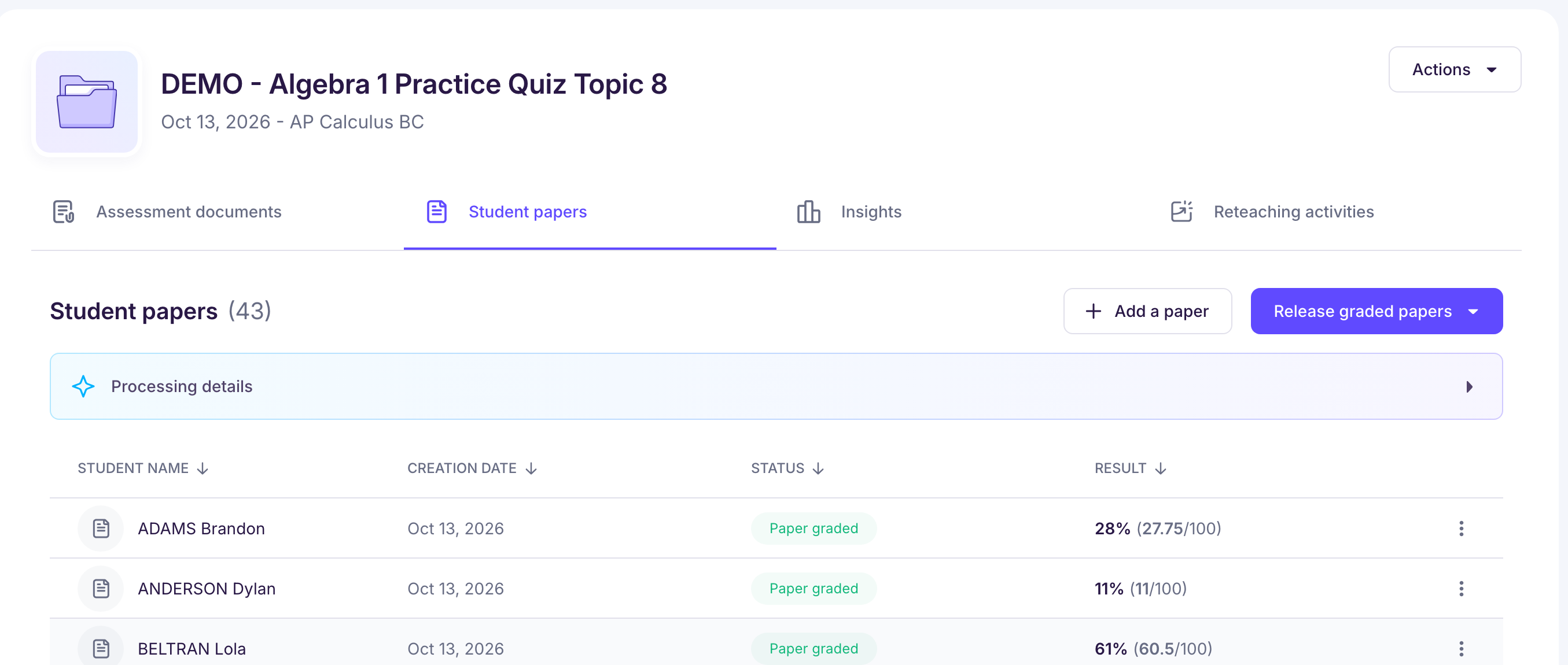
Open the “Student papers” tab of your assessment.
→ You'll see every paper with its grading status.
-
Click “Release graded papers”, then “Open access to students”.
→ The list of students in the group appears.
-
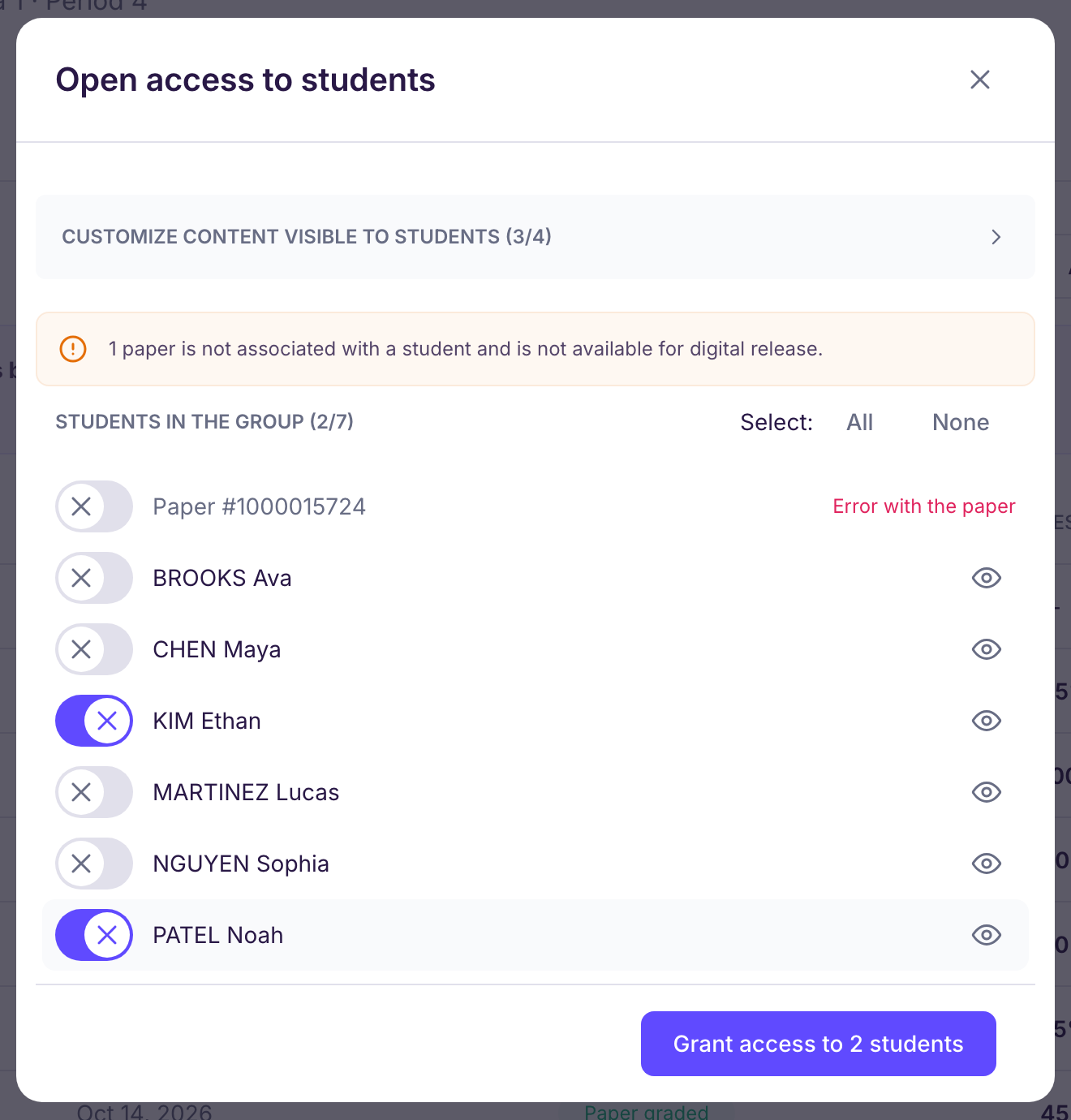
Select the students you want to return their paper to.
→ “All” selects the whole group, and students who already have access to their paper are already selected. Leave out anyone you don't want to return the paper to yet: you stay in control of the pace.
-
Click “Grant access to … students” to confirm.
→ The selected students can now see their graded paper.
You can come back later to return the other papers, whenever you want.
Only papers matched to a student in the group can be shared online: see Comment associer manuellement une copie au bon élève ?. You get the same choice of students when you download PDFs (“Download as PDF”).