Can I download all the grading summaries at once?
Last updated: October 15, 2026
✅ Yes, absolutely.
You can export all the grading summaries in one go.
How?
-
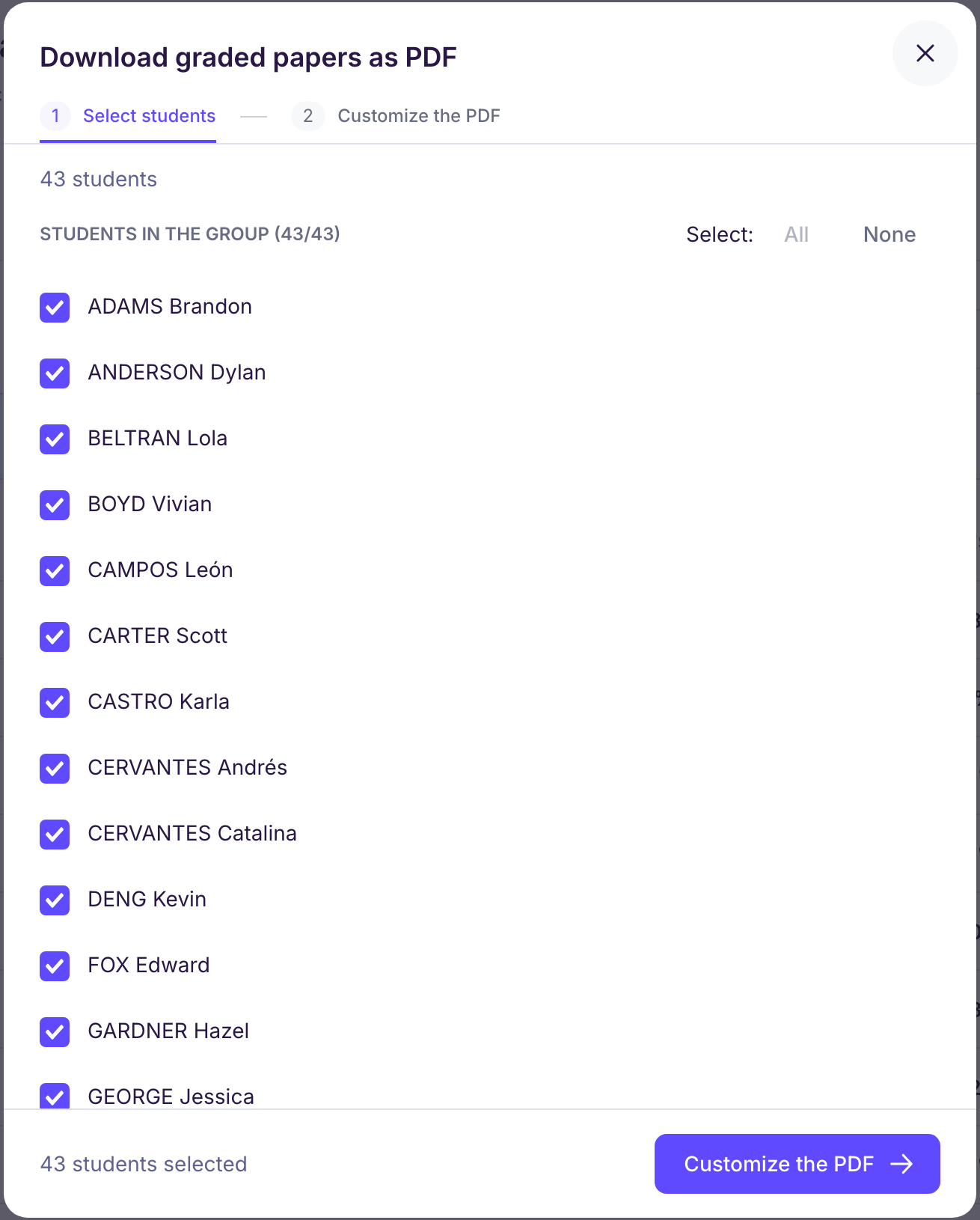
In your assessment, click the “Actions” button at the top right of the screen, then “Download graded papers”. You can also go to the “Student papers” tab, click “Release graded papers”, then “Download as PDF”.
-
“Select students”: select all the students (“All”).
-
“Customize the PDF”: choose the content (score, comments, graded paper, observations, skills analysis table…), then the export format: one PDF per student (ZIP file), a single PDF for all students, or a single PDF for double-sided printing.
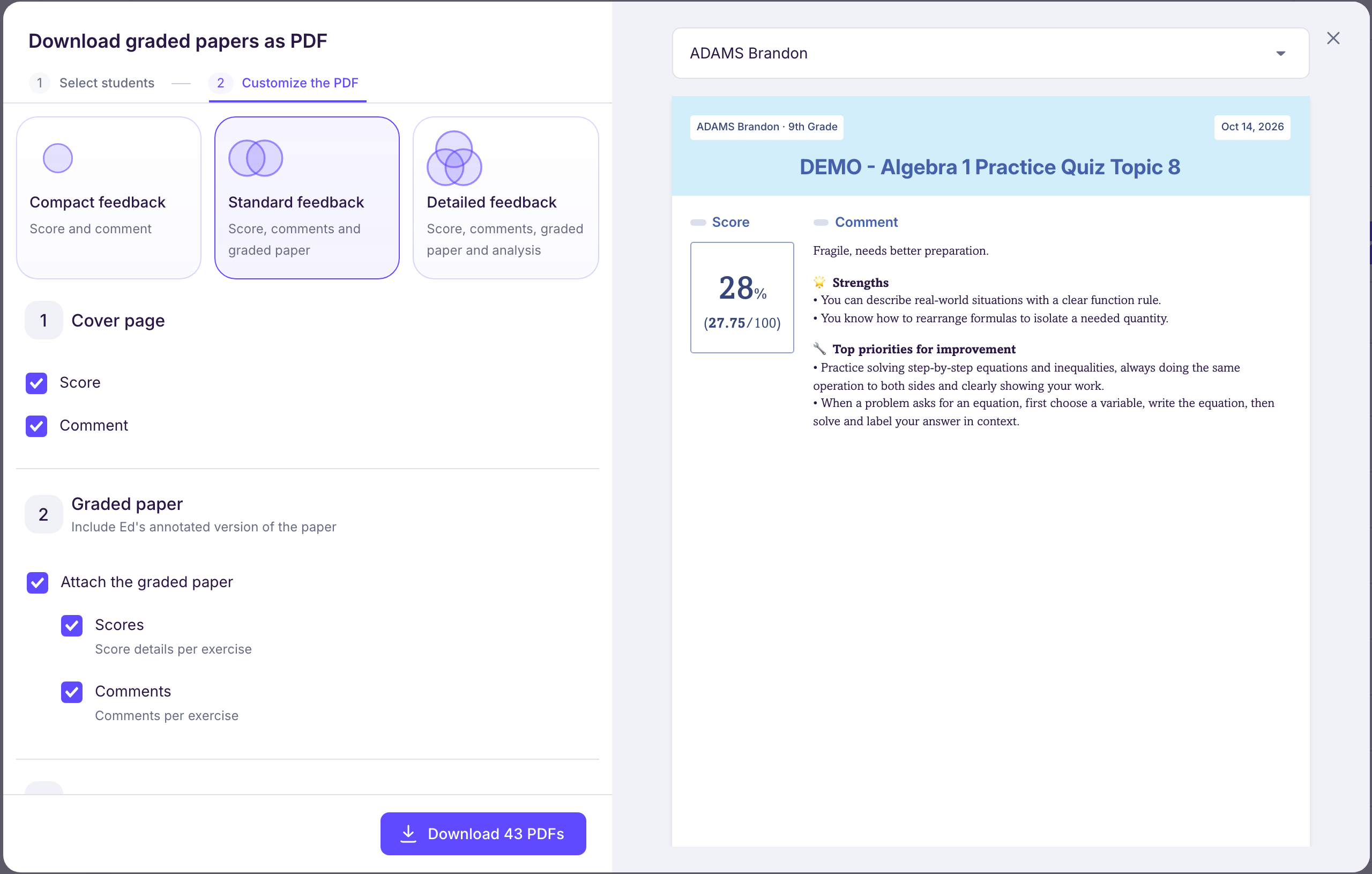
👉 In a single download, you get the analysis sheets of every graded paper: skills assessed and errors identified.
🎯 Handy for your records, team meetings, or sharing with families.