Can I undo or change a release?
Last updated: October 15, 2026
Yes, you can undo a release at any time and change the grading.
Before you return a paper to a student
You're free to:
-
correct or adjust the grading,
-
edit annotations or comments,
-
review the grading summary.
After you've returned a paper
You can still:
-
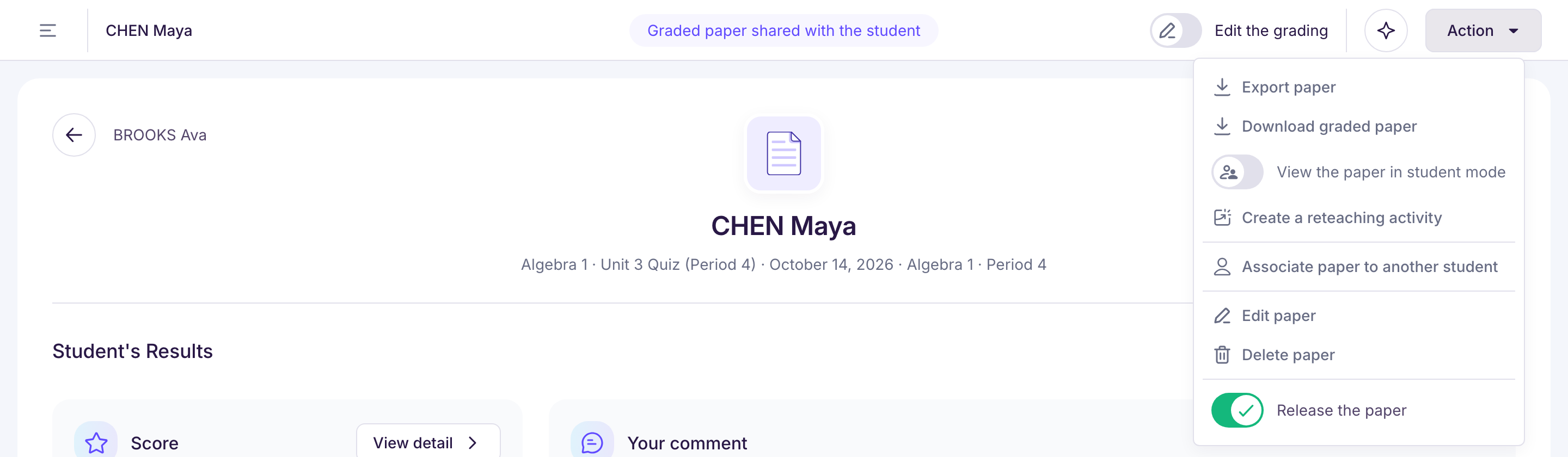
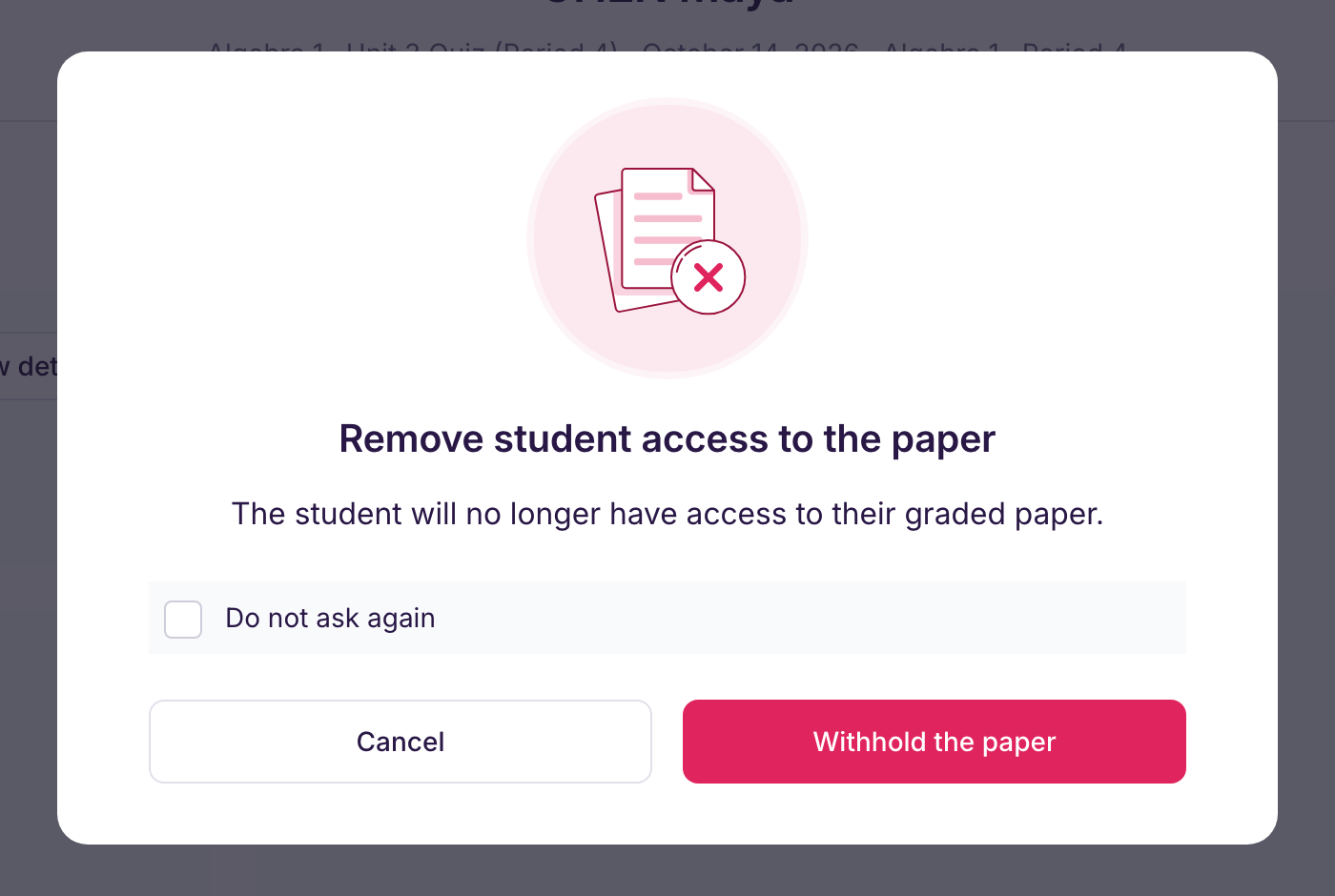
remove the student's access to their paper, so the grading is no longer available in their space: on the paper, turn off “Release the paper”, then confirm with “Withhold the paper”. For several students, go to “Release graded papers”, then “Open access to students”, turn them off, then click “Remove access from … students”,
-
make your changes to the paper,
-
and return the paper again once you're done.
A PDF you've already downloaded isn't updated: download it again after your changes.
👉 That way, you have all the flexibility you need to get the grading right, at the right time.
📎 Below: the release switch in the paper’s “Action” menu