How do I scan my assessment documents with my phone?
Last updated: October 15, 2026
When you open the Ed.ai web app 🔗 app.ed.ai and click “+ Add an assessment”, you have two main options:
🟣 Option 1: “Upload your document(s)” (or “Import from Google Drive”)
🟣 Option 2: “Scan your documents using your phone”
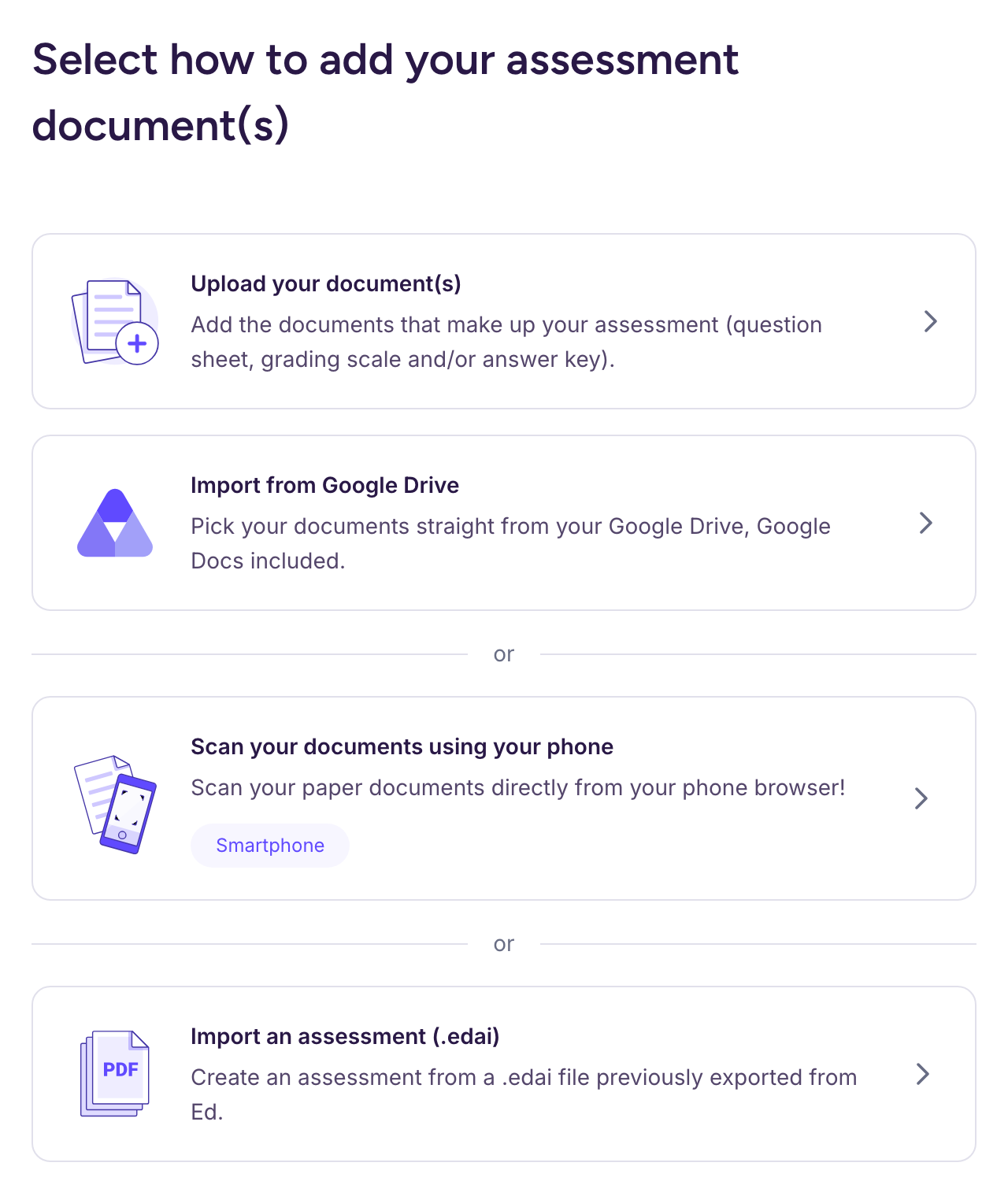
With option 2:
-
Scan the QR code shown on screen: it opens the mobile website in your phone’s browser, with no app to install.
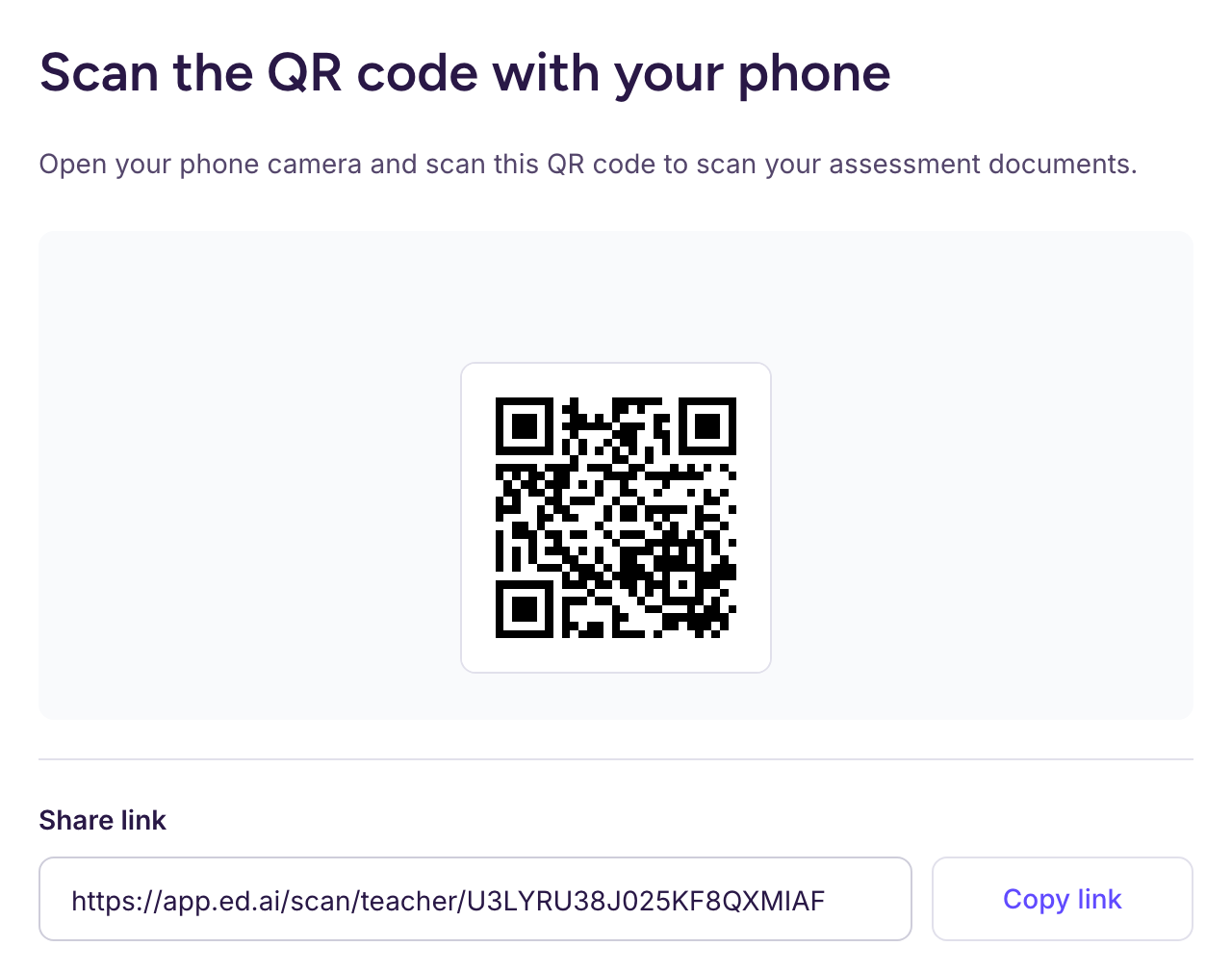
-
Scan your documents (question sheet, answer key, grading scale) directly from your phone.
-
The scanned pages are sent to your computer: continue there to set up and create the assessment.