How do I delete a group?
Last updated: October 15, 2026
👉 Only the teacher who created a group can delete it. A group imported from your school's LMS or SIS can't be deleted: if it isn't relevant to you, hide it with “Hide group” in the group's menu.
To delete a group, follow these steps:
-
Go to the “My groups” page.
-
Click the group you want to delete.
-
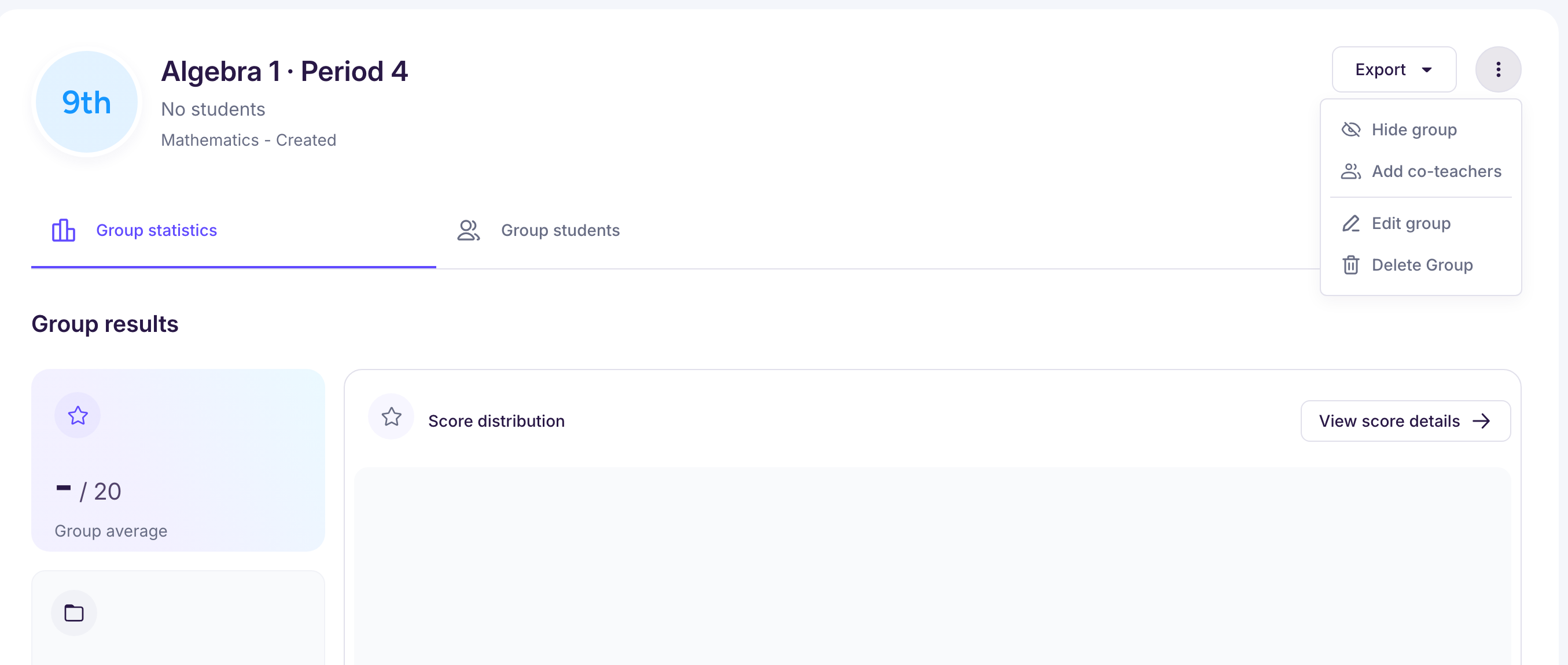
In the group's menu, select “Delete Group”, then confirm.
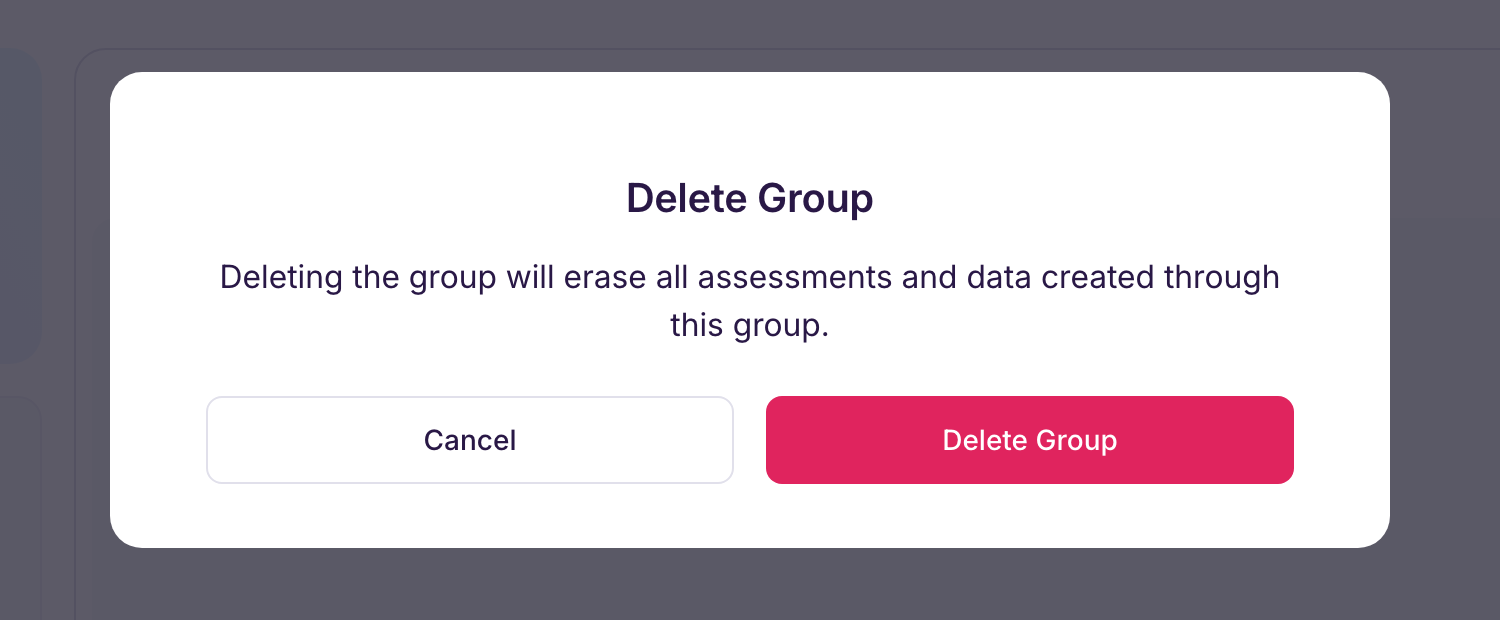
⚠️ Warning: this can't be undone. Before you delete a group, export anything you want to keep from it with “Export” on the group page.
With Ed.ai Pro, students who belong only to this group will no longer be linked to your account.